Public_Asset_Upload
For Developers
- While requesting to upload a image/file, make sure that
- Their nomenclature
shouldn'tcontain spaces and any special character.- File size
shouldn'tbe large.should be around < 100-200 kb. - If requested files are more than 3, request the all files as a zip folder
- File size
- Their nomenclature
For DevOps Team
- Front-end teams need to use some images/files for respective brands.
- These Images/files needs to upload to a bucket which is in publicly visible.
- We use
oriserve.combucket to upload images. - In bucket, we have brands as folders. (see below image as ref.)
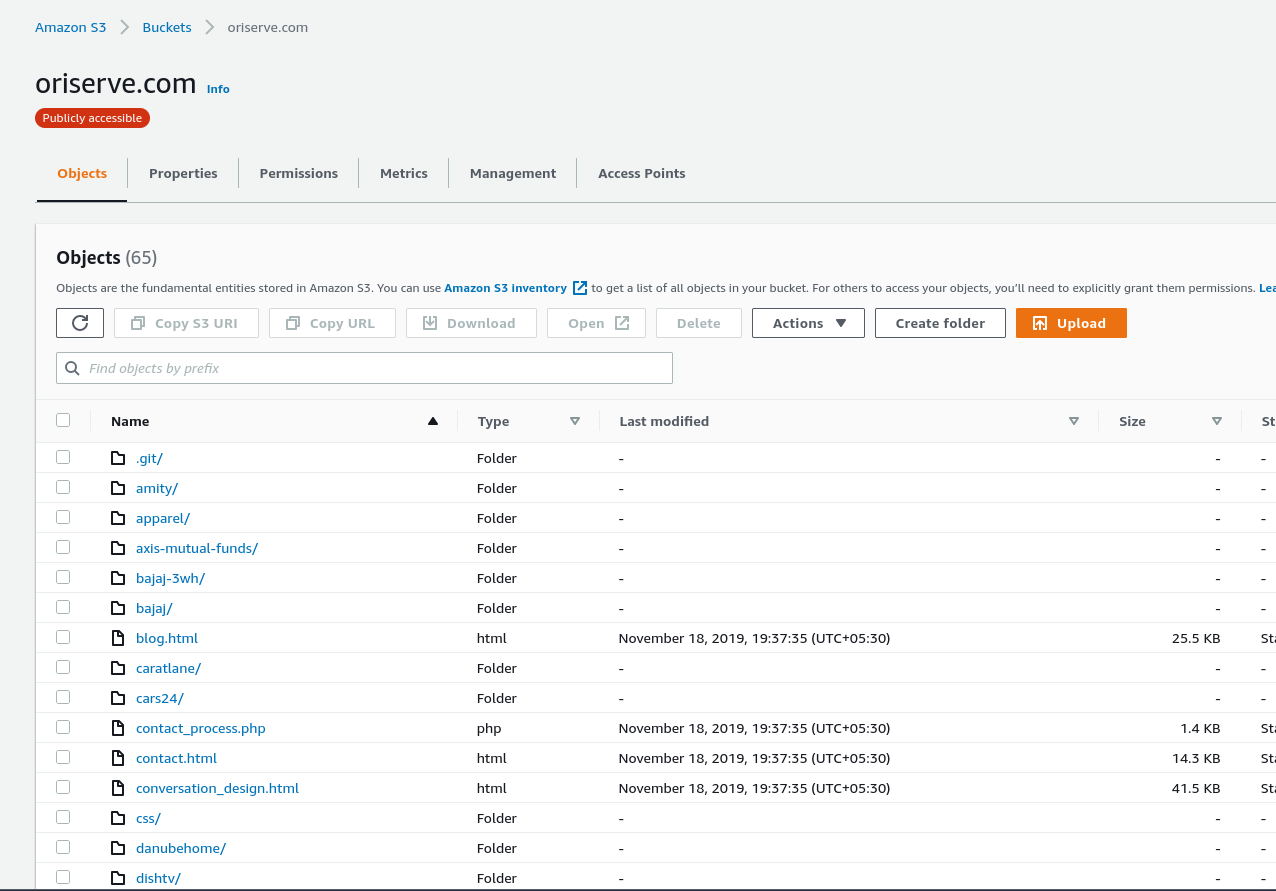
If we got a request to upload a image/file for
bajajbrand.Check the folder name/filename, whether previously, it has with same name.
If the file has same name, change the new file name and upload it.
If the request has came as folder to upload, check for the folder if it exists, upload the content of the folder into the existence folder.
Bucket structure will be like
oriserve.com/brand/folder/ororiserve.com/brand/fileFor example, if we got a request as :
upload a folder
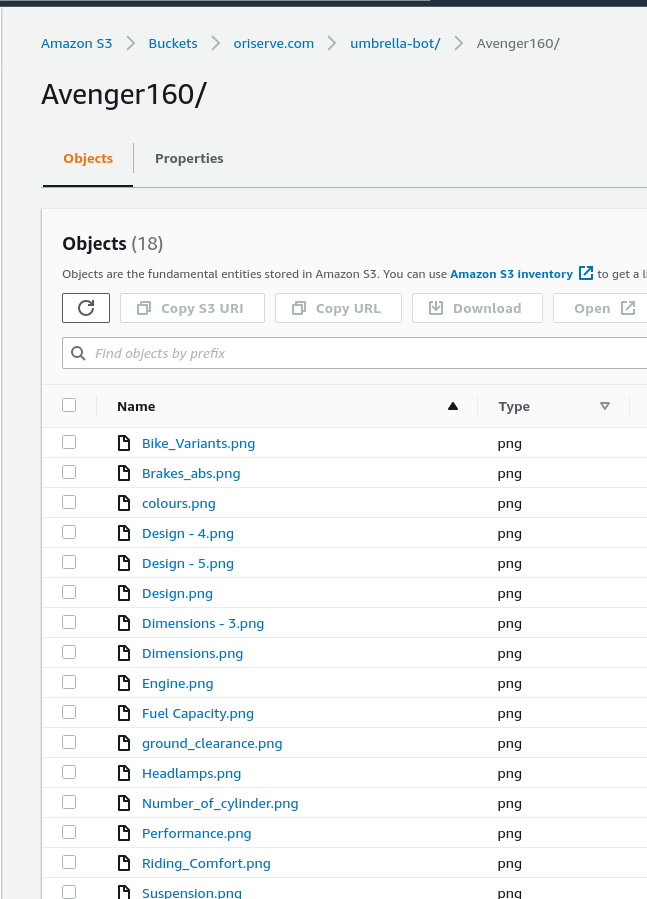
Avenger160inumbrella-botbrand. (Avenger160 folder contains the images)- Check for the
Avenger160inumbrella-bot. - If it is there, upload the content of
Avenger160
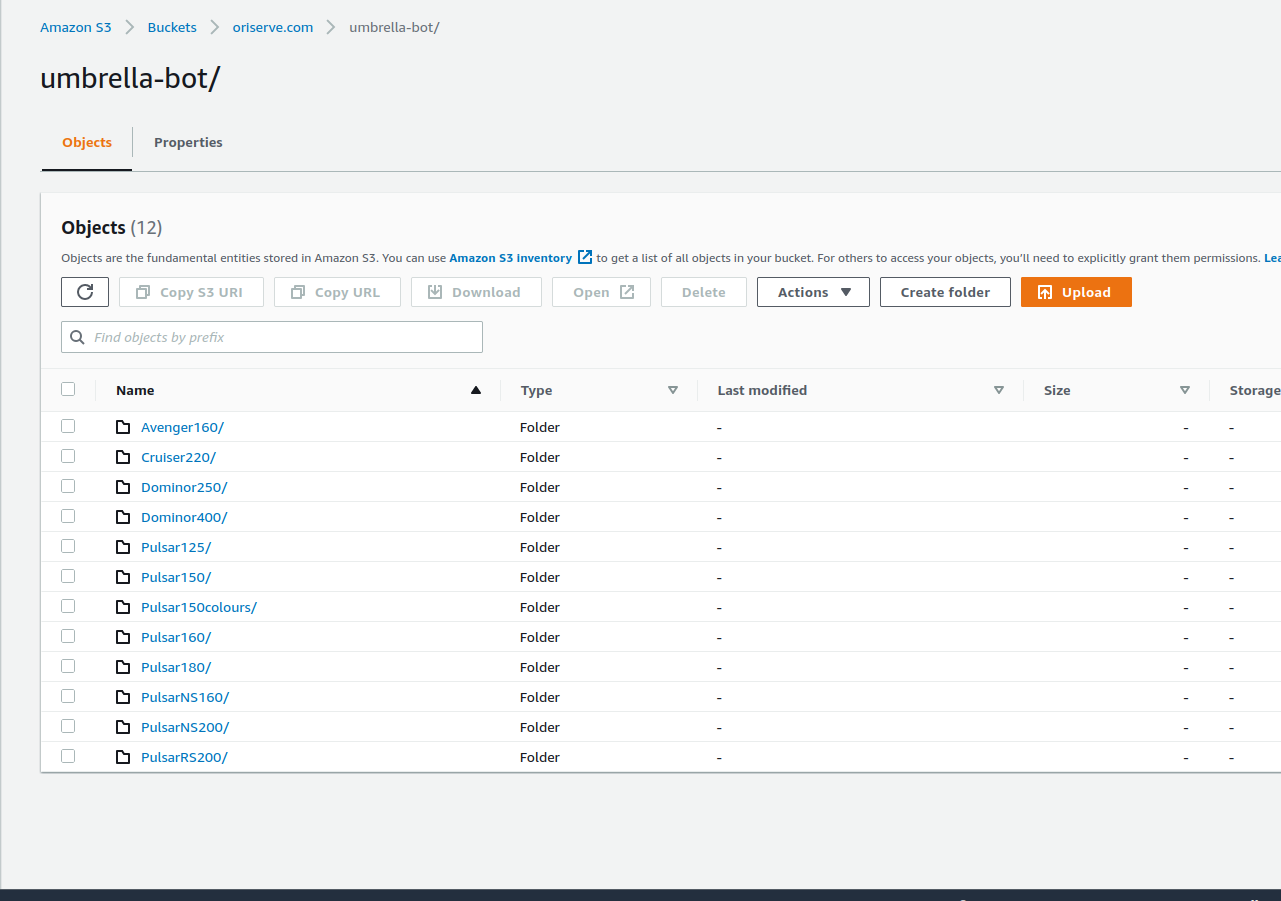
- If the folder is not there, get the confirmation from the
DevOps-Leadto create the folder. - Upload the content, in the respective folder.
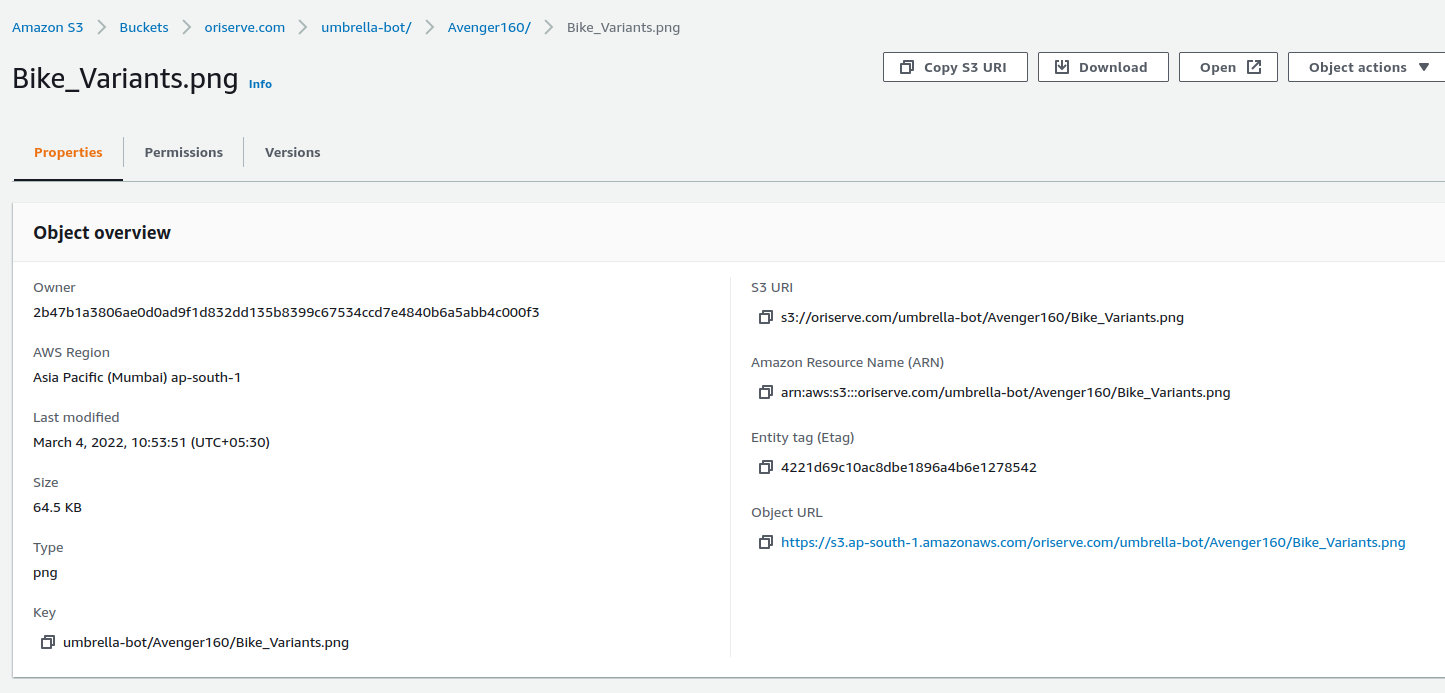
- Share the respective object url's to the requested person.
- Check for the