S3ConfigStructure
The doc covers the S3 structure that we use.
We use
oriserve-demosbucket mostly to store the Env files of respective brands.For some brands, we use different buckets. First, check the brand in
oriserve-demosbucket. If the brand is not present, then contact the DevOps-Lead for bucket name.- For
education-firstbrand we useoriserve-demos-irelandbucket.- For
reliant-energybrand we useoriserve-demos-n-virginiabucket.
- For
- For
For example, let us say we need to access the
pd1brand files.
BRAND STRUCTURE
In every brand we will have below services.
  - AppTier
  - CodeDeploy
  - Database
  - oriNLP
  - Scheduler
  - Users
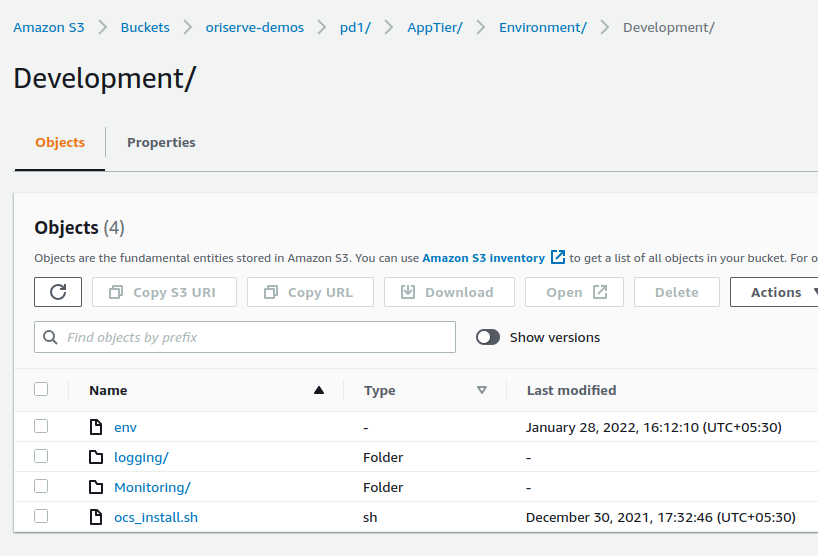
- WebTierAppTieris the folder which holds all the files that required forOCS.- As the name suggests, the main application of any brand will be the OCS. Hence, AppTier holds all files for OCS.
CodeDeployis the folder which holds the code-deploy scripts for all services.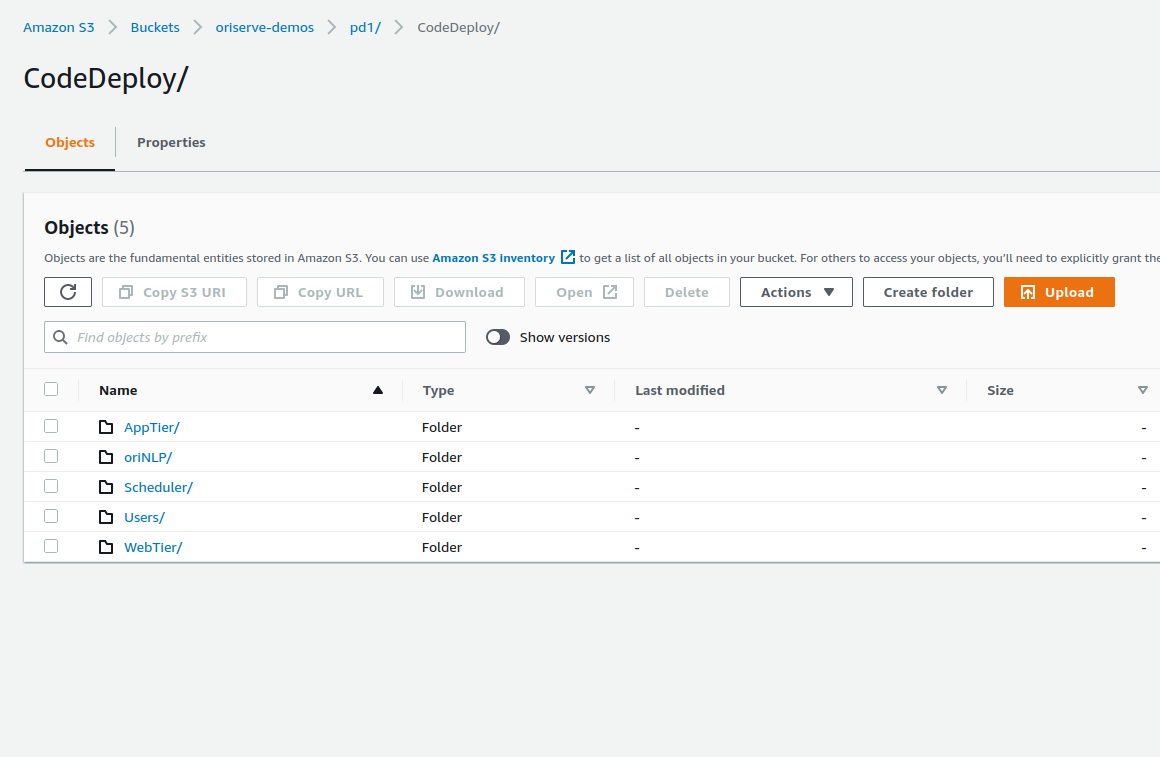
Databaseis the folder which holds the scripts which are used for monitoring. (Some brands, doesn't have database folder).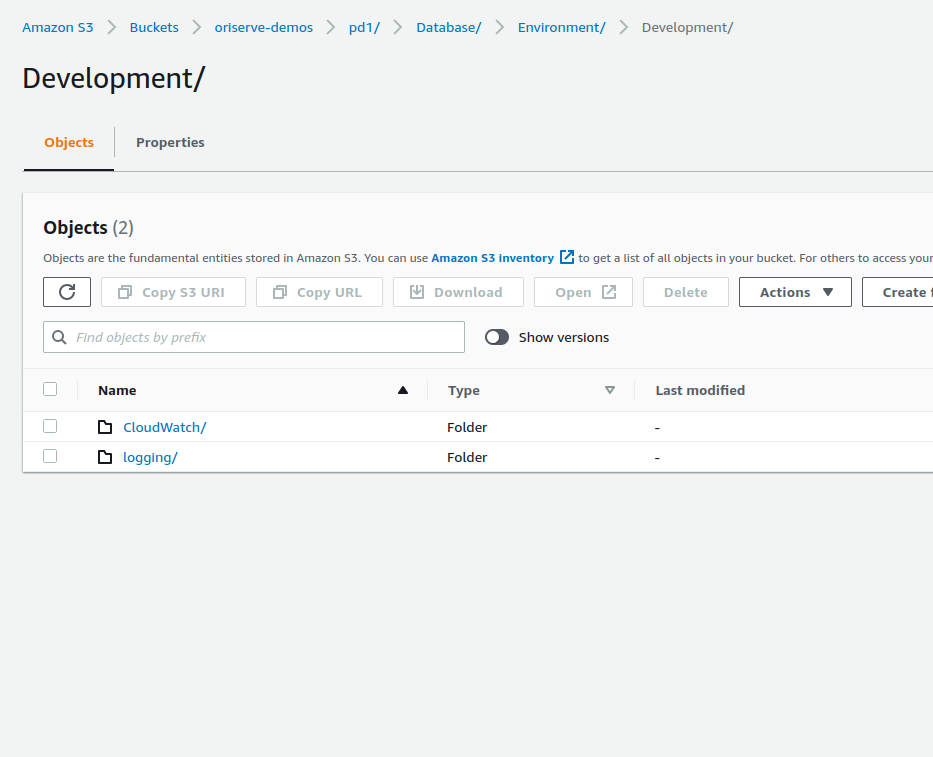
- From the above image, we can see 2 folders ,
cloudwatchfolder consists of configuration file used for cloudwatch service which is used for monitoring.loggingfolder consists of
oriNLPis the folder which is used to store the scripts that needed for A.I training models.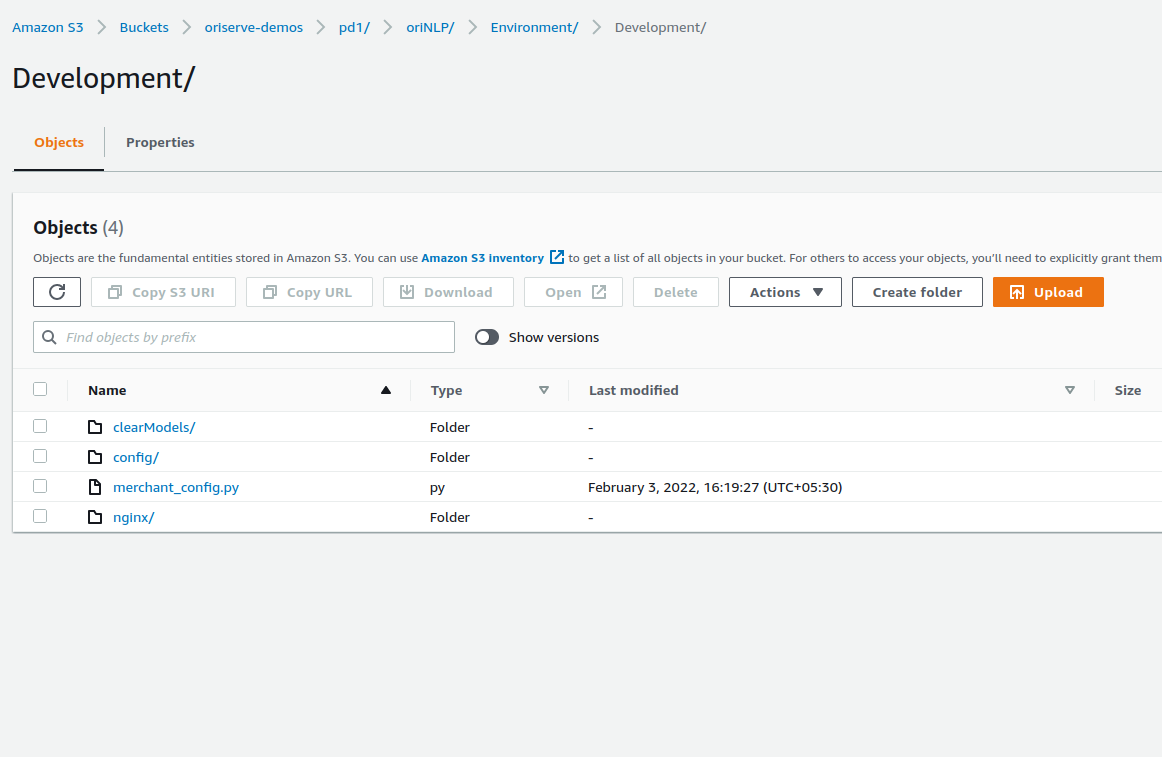
- In the above image,
clearModelsfolder consists of shell script that used for removingModels.configfolder consists of configuration file for NLP.merchant_config.py- This is the file where, brand and env of the respective merchant/brand which executes by the AI code.nginxfolder consists of nginx config file for NLP
Usersis the folder which holds the the scripts for users.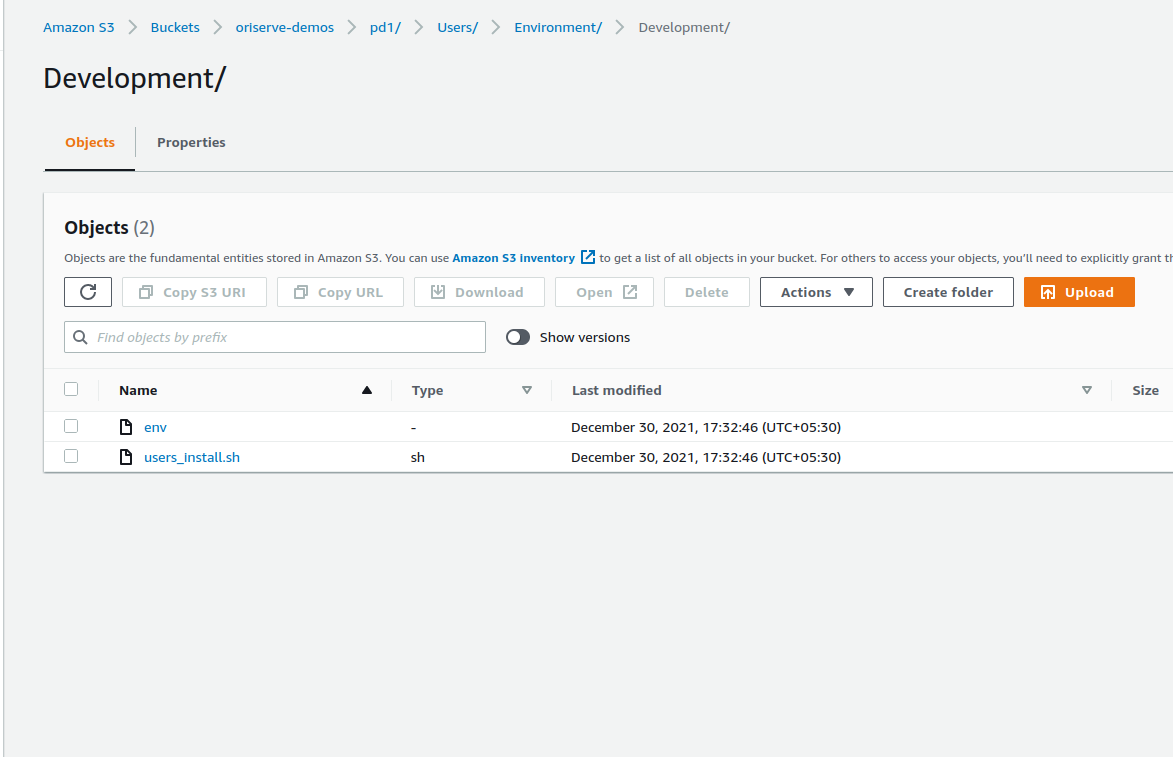
- In the above image,
envis the file which is used to dB using default credentials.users_install.shis the file which is used to install the users.
Scheduleris the folder which holds the scripts for scheduling.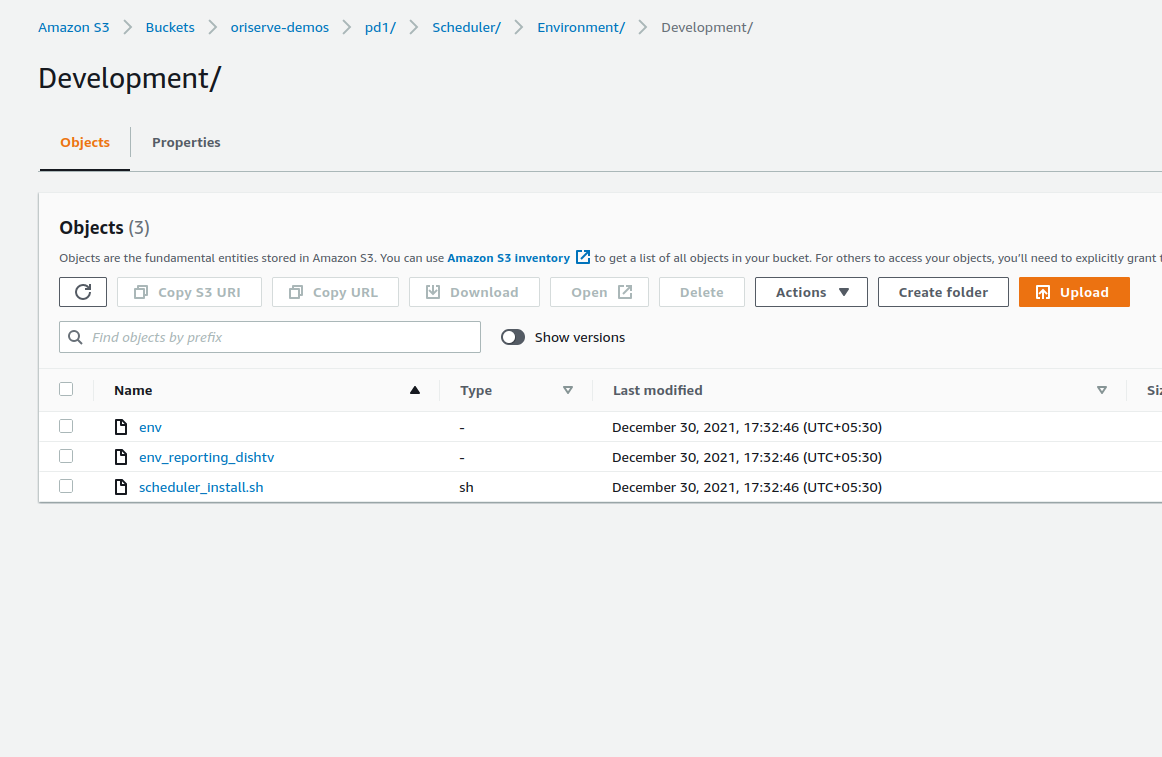
- In the above image,
envis the file which is used to dB using default credentials.env_reporting_dishtv: This is the default env which is used at codescheduler_install.shis the file which is used to install the users.
WebTierwhich holds the files for Chatboard,Dashboard, Dashboard2, configuration files for webserver.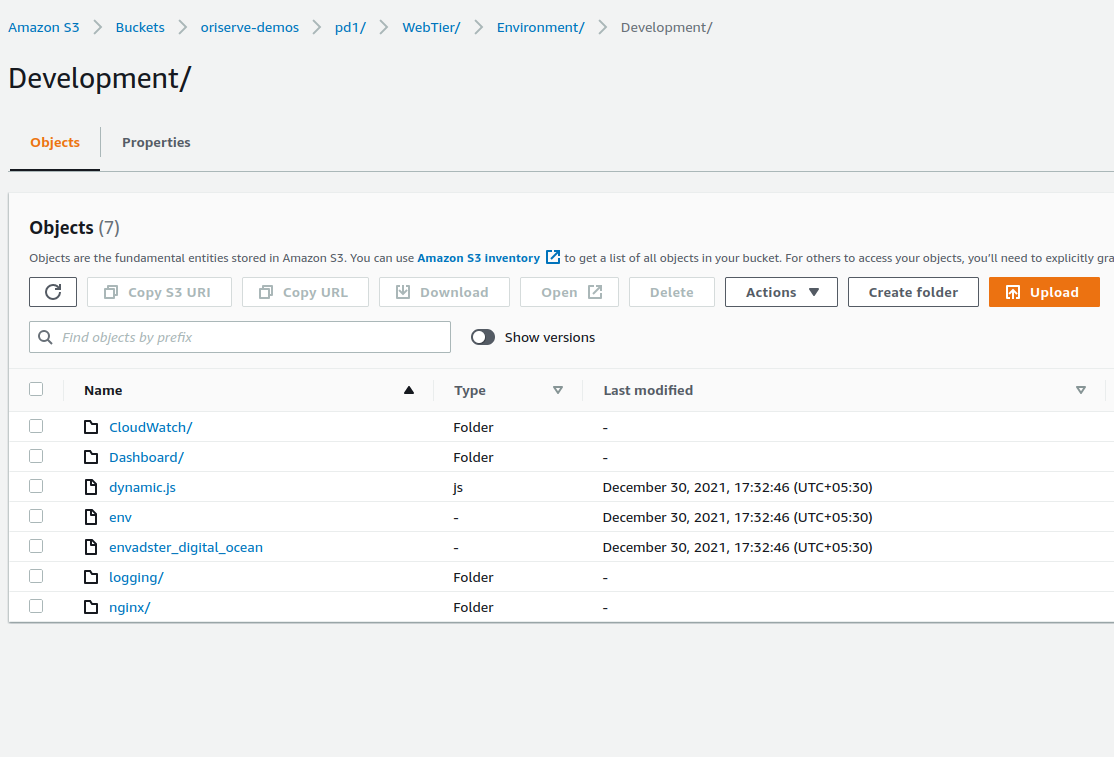
- In the above image,
CloudWatchfolder has the configuraiton file for cloudwatch.- under
Dashboardfolder, you can find the files used for dashboard. For somebrands, Dashboard2 files are also present at this location. loggingfolder consists of the nginx file.- under
nginxfolder, there will be files related to nginx. i.e, error.conf,nginx.conf. - under
nginxfolder, you will find the sub-folderconfig.dconfig.dfolder consists of the ocs,dashboard,dashboard2 configuration files.
dynamic.js: This is the skeleton file which used providing for web SDKsenvadster_digital_ocean: env used of adster deployments.
- under
- For
envfile access/sharing, refer to this doc
- As the name suggests, the main application of any brand will be the OCS. Hence, AppTier holds all files for OCS.