Logging Review
We have enabled logging using ELK stack.
DB Access Logging Review [New Method]
Check ELK for unnecessary or unauthorized access of database.
- Log into the ELK console.
- Go the dashboard tab and search for particular brand dashboard.
- Open the dashboard and check for mongo_monitor logs.
- In the dashboard there are 3 parts.
- Network Tracking
- Access Tracking
- OPS
- Network tracking is used to continuously monitor network traffic collecting a real-time and historical record of what’s happening on your network.
- There is a connection id which links to remote ip & platform i;e nosql, nodejs etc.
- find the connection id or ctx you need to track and search like below
json.attr.connectionId:4493 or json.ctx:conn4493.Below screenshot is for you reference.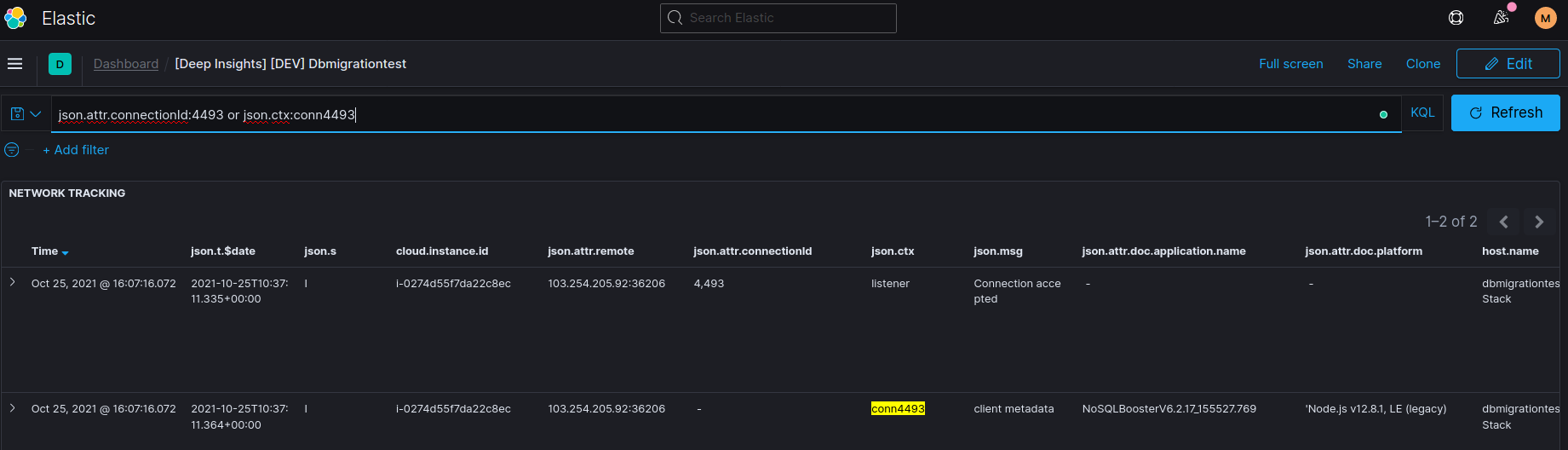
- Access tracking is used to continuously monitor the access that your have successfully authenticated or not with username & database.
- Here you will track the connection with username like
json.attr.principalName: rootand databasejson.attr.authenticationDatabase: admin. - Below screenshot is for you reference.

- Here you will track the connection with username like
- OPS is used to monitor all the operations done by a particular user (which we got from access tracking) by a particular IP (which we got from network tracking). Below screenshot is for you reference.
- Do a monthly review of unneccesary or unathorized access of database.

DB Access Logging Review [Old Method]
Check ELK for unnecessary or unauthorized access of database.
- Log into the ELK console.
- Go the dashboard tab and search for particular brand dashboard.
- Open the dashboard and check for mongo_monitor logs.
- Here you will get all info together.
- First track you ip then you will get connection id.
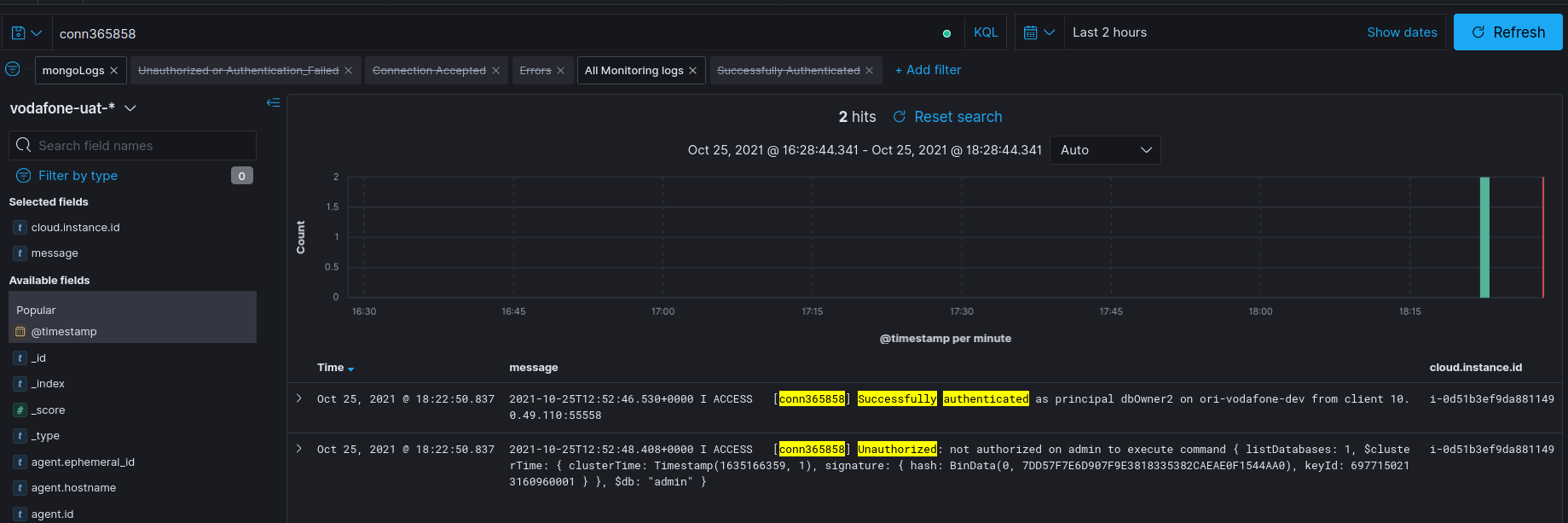
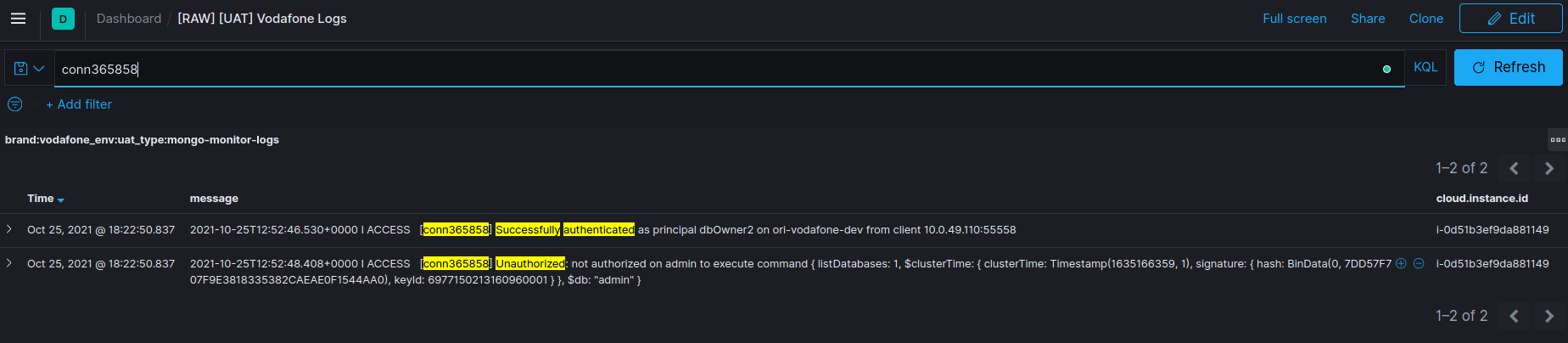
- By using connection id search all the operations done by a particular user like below in the screenshot.
- If someone don't have sufficient permissions and try to perform any activity on db then check the message unauthorized like in screenshot below.
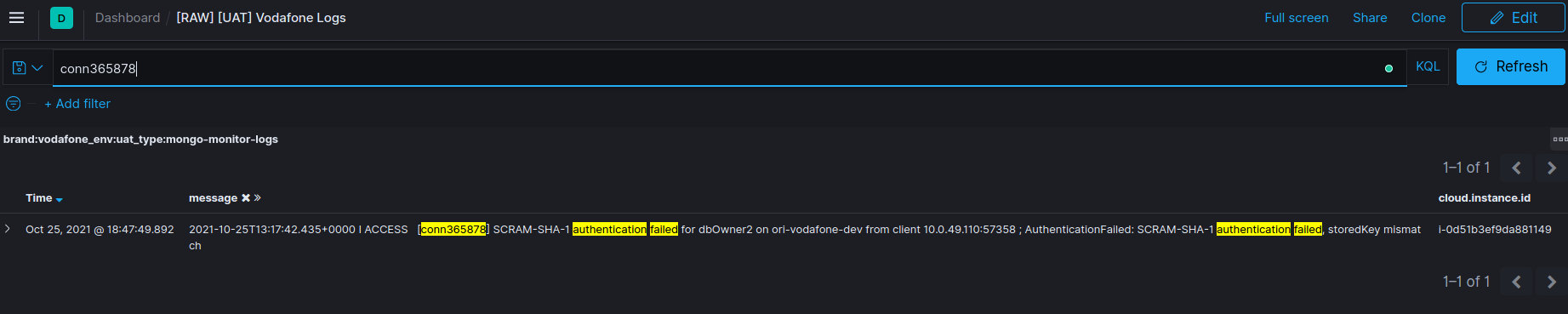
- If someone try to access db with incorrect creds or by the unauthorized way then track the logs with message authentication failed like in below screenshot.
 .
.